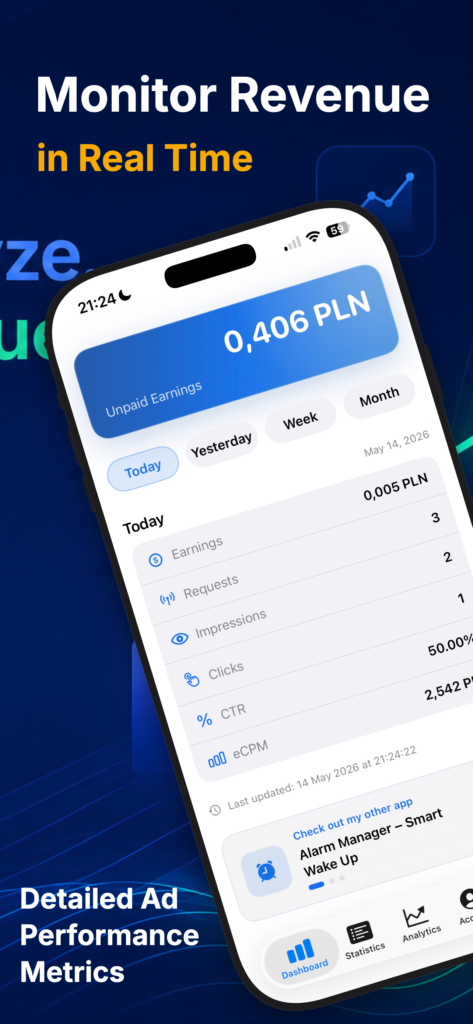
- The Dashboard view is the central analytics screen of MonetizeIQ, designed to give users an instant overview of their AdMob revenue and performance. It surfaces unpaid earnings, provides quick access to daily, weekly, and monthly insights, and displays key metrics such as earnings, requests, impressions, clicks, CTR, and eCPM in a simple, modern interface.
Features:
- Instant earnings overview with unpaid revenue displayed prominently at the top
- Fast time-based navigation across Today, Yesterday, Week, and Month
- Essential monetization metrics including earnings, requests, impressions, clicks, CTR, and eCPM
- Google AdMob integration for live analytics, with Demo Mode for previewing the experience
- Refresh and retry support to keep data up to date and easy to reload
- Last updated timestamp for better clarity and confidence in the displayed numbers
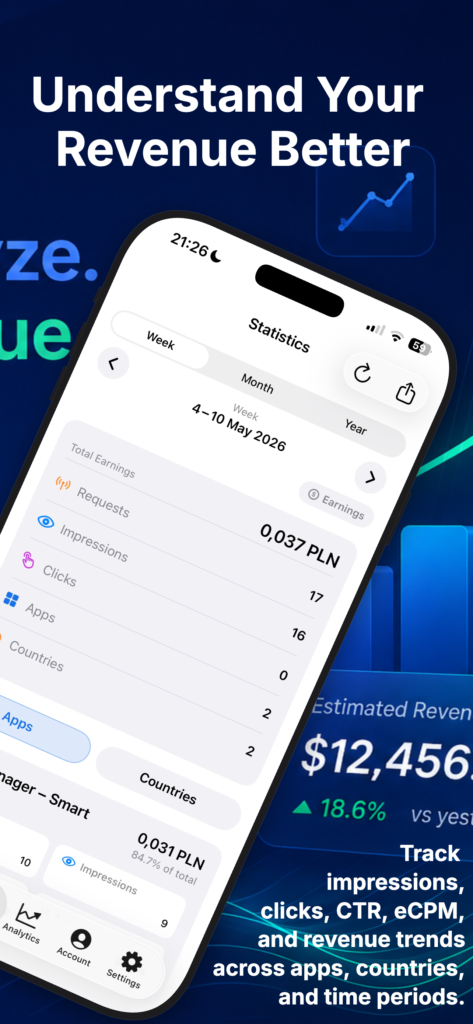
- The Statistics view is designed for users who want to analyze AdMob results in more detail. It combines period-based reporting, summary metrics, and breakdowns by app, country, and month to help users better understand earnings and performance trends at a glance.
Features:
- Flexible period selection with quick navigation between reporting ranges and time windows
- Clear performance overview showing total earnings, requests, impressions, clicks, apps, and countries
- Detailed breakdowns by apps, countries, and months for more granular analysis
- Built-in sorting options to reorganize results by the metrics that matter most
- Export support for sharing or saving reports outside the app
- Reliable data handling with refresh, retry, loading, empty, and error states built into the experience
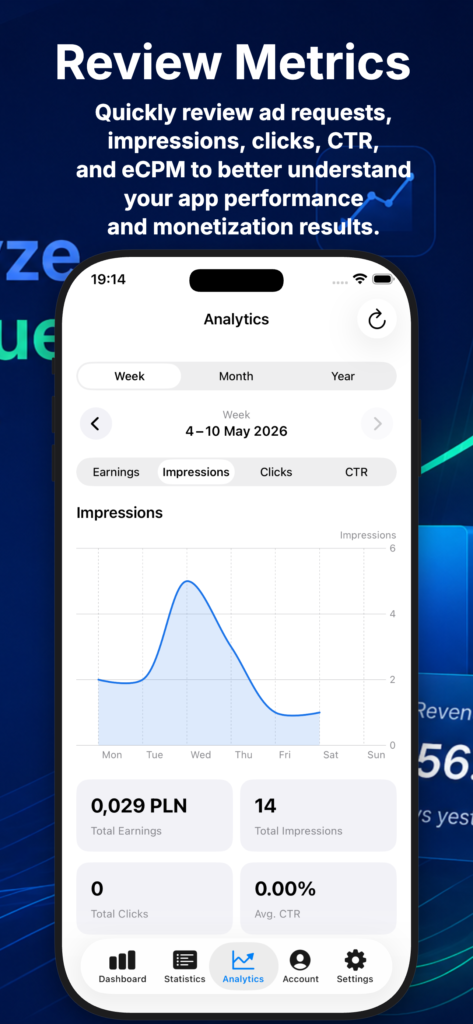
- The AnalyticsView turns AdMob data into easy-to-read visual insights. Users can switch between periods and metrics, view performance trends on a dynamic chart, and quickly review summary cards for earnings, impressions, clicks, and average CTR.
Features:
- Flexible period selection with quick navigation between reporting ranges and time windows
- Clear performance overview showing total earnings, requests, impressions, clicks, apps, and countries
- Detailed breakdowns by apps, countries, and months for more granular analysis
- Built-in sorting options to reorganize results by the metrics that matter most
- Export support for sharing or saving reports outside the app
- Reliable data handling with refresh, retry, loading, empty, and error states built into the experience
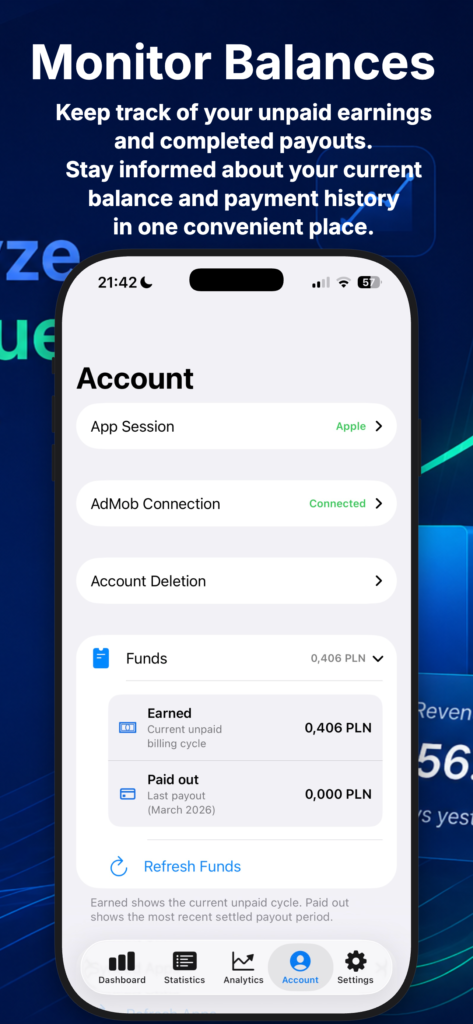
- The Account view is the control center for connection and account management in MonetizeIQ. It lets users manage their data source, review Google AdMob connection status, monitor funds, refresh synced apps, and control saved app data from one clear and organized screen.
Features:
- Data source management with the ability to use Demo Mode or switch to live Google AdMob data
- Google AdMob connection controls including connect, reconnect, and disconnect actions
- Account visibility with clear status indicators and publisher ID display when available
- Funds overview showing earned and paid amounts, with manual refresh support
- Synced apps section for reviewing connected AdMob apps and refreshing the app list
- Local data controls for clearing saved device data with confirmation before sensitive actions